Category: Domains & DNS

  • Moving Your Domain Without Downtime

    Moving Your Domain Without Downtime

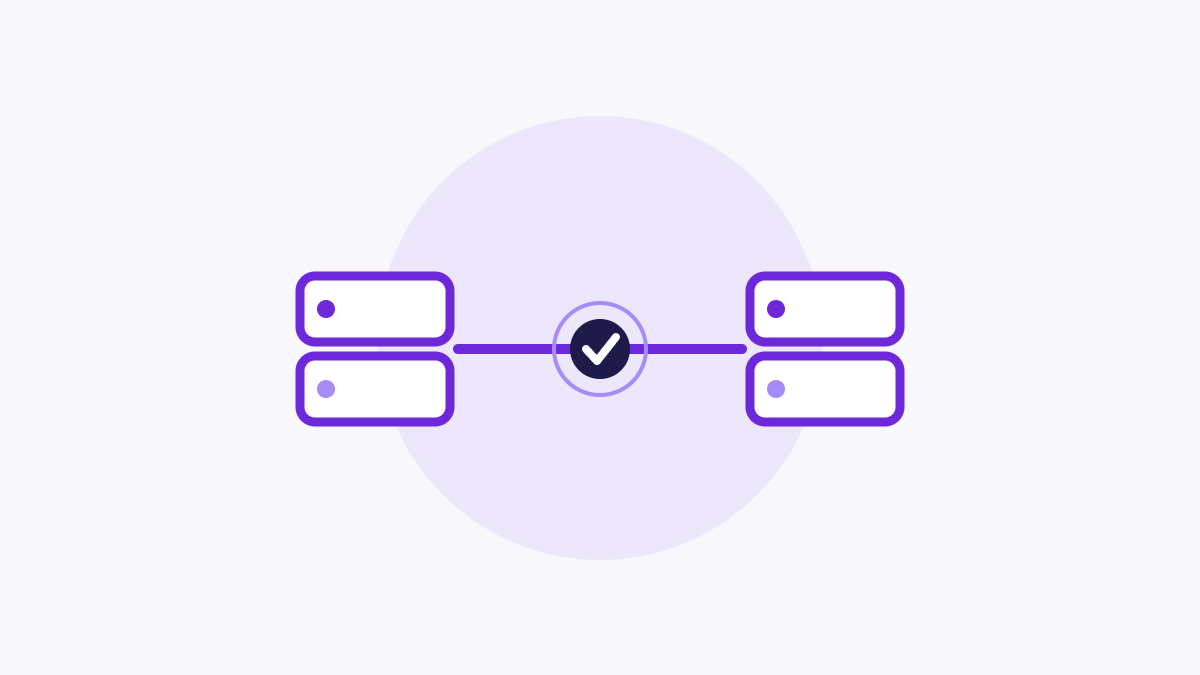
    One of the biggest worries when moving to a new platform is your site going dark during the switch. With the right approach, you can change over with little or no downtime.

    The key principle is simple: keep your old site live until your new one is completely ready. Don’t take anything down prematurely.

    First, build your full FastSites site and review every page. Check it on both desktop and mobile, and make sure all your content, links, and images are in place. Your old site stays untouched and online during this entire stage.

    Only when you’re satisfied do you point your domain to FastSites by updating its DNS records. Because DNS changes take time to propagate, some visitors will briefly see the old site and some the new one during the transition — but since both are complete and working, no one sees a broken or missing site.

    Avoid letting your domain expire during this period, and don’t cancel your old hosting until the new site has been live and stable for a few days.

    If you’d like us to review your new site before you flip the switch, open a ticket and we’ll take a look.
  • Why DNS Changes Take Time to Work

    Why DNS Changes Take Time to Work

    If you’ve just updated your domain settings and your site isn’t loading correctly yet, you’re probably experiencing DNS propagation — and it’s completely normal.

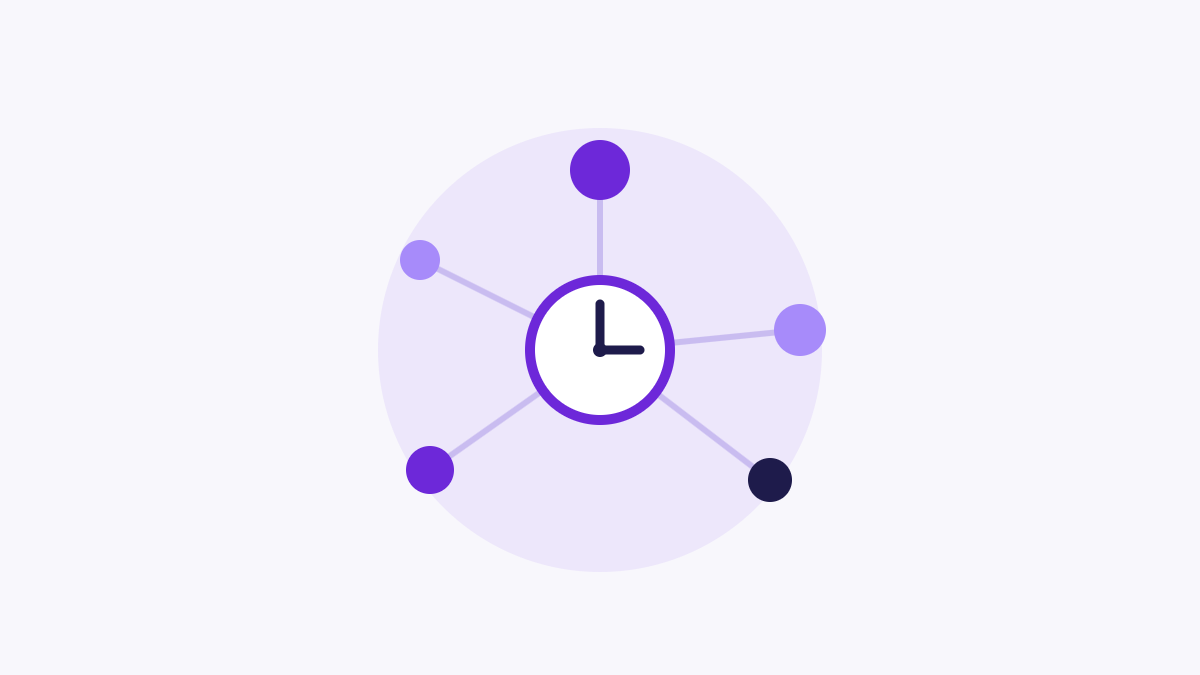
    DNS is essentially the internet’s address book. When someone types your domain, their device asks a DNS server where your site lives. To keep things fast, these servers temporarily store (“cache”) the answer. When you change your DNS records, those cached copies around the world need time to expire and refresh.

    This is why a change you made can appear to work for you but not for a friend, or work on your phone but not your laptop. Different servers update at different speeds.

    Propagation typically takes anywhere from a few minutes to a few hours, and occasionally up to 24–48 hours in slower cases. There’s no way to force the entire internet to update instantly, but you can check progress using a free online DNS propagation checker.

    While you wait, avoid making repeated changes — each new edit restarts the clock. If everything still looks wrong after 48 hours, raise a ticket and we’ll take a look.

  • Pointing Your Domain to FastSites

    Pointing Your Domain to FastSites

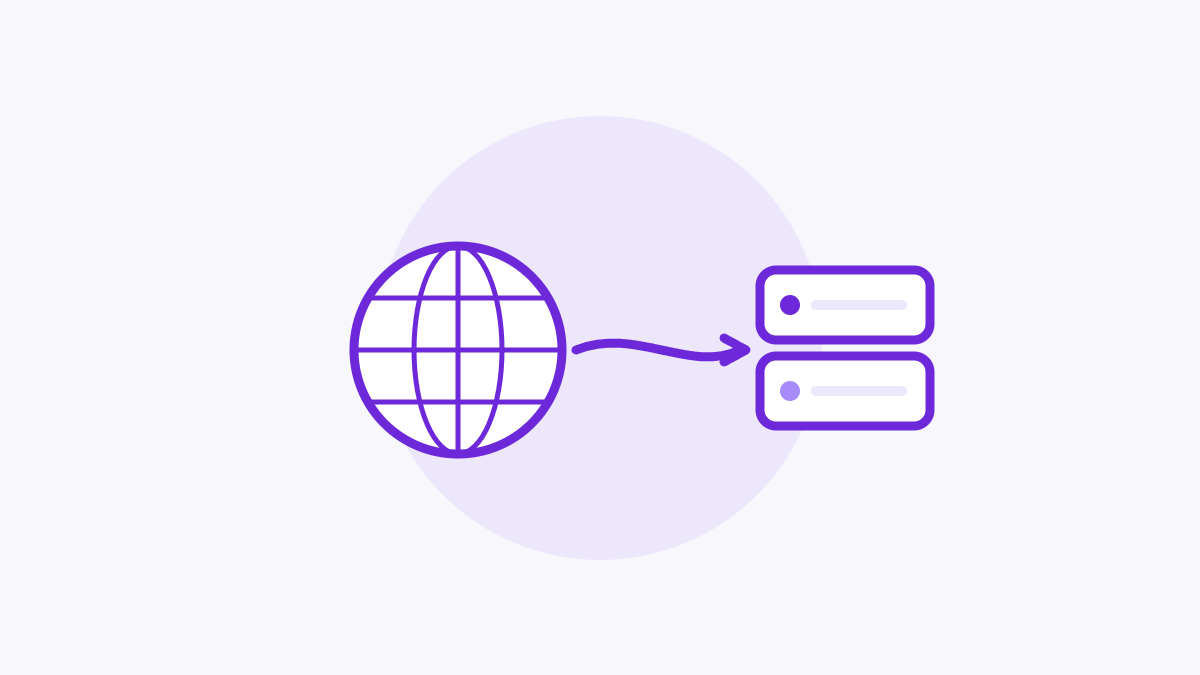
    Connecting your domain to FastSites is what makes your site appear at your own web address instead of a temporary one. The process is straightforward once you know which records to change.

    If you bought your domain through FastSites, this is handled automatically — there’s nothing for you to configure.

    If your domain is registered elsewhere (for example with another registrar), you’ll need to update its DNS records to point at FastSites. This usually means setting an A record or a CNAME record to the values shown in your FastSites dashboard. You make these changes wherever your domain is managed.

    After saving the new records, there’s a waiting period called DNS propagation. During this time the change spreads across the internet, which can take anywhere from a few minutes to a few hours. Your site may load inconsistently until it finishes — this is normal.

    Once propagation completes, your domain will load your FastSites site reliably everywhere. If it’s been more than 24 hours and your domain still isn’t connecting, open a ticket and include your domain name and where it’s registered.